

“It automatically provides you a summary of the voice notes after recording which is such a nice feature.”
Record a meeting, a lecture or a thought in the car. Add a PDF, a Word file, a photo or a YouTube link. Primo Notes writes the summary and labels who spoke. Free on iOS and Android.


Built for students, professionals, parents and teachers
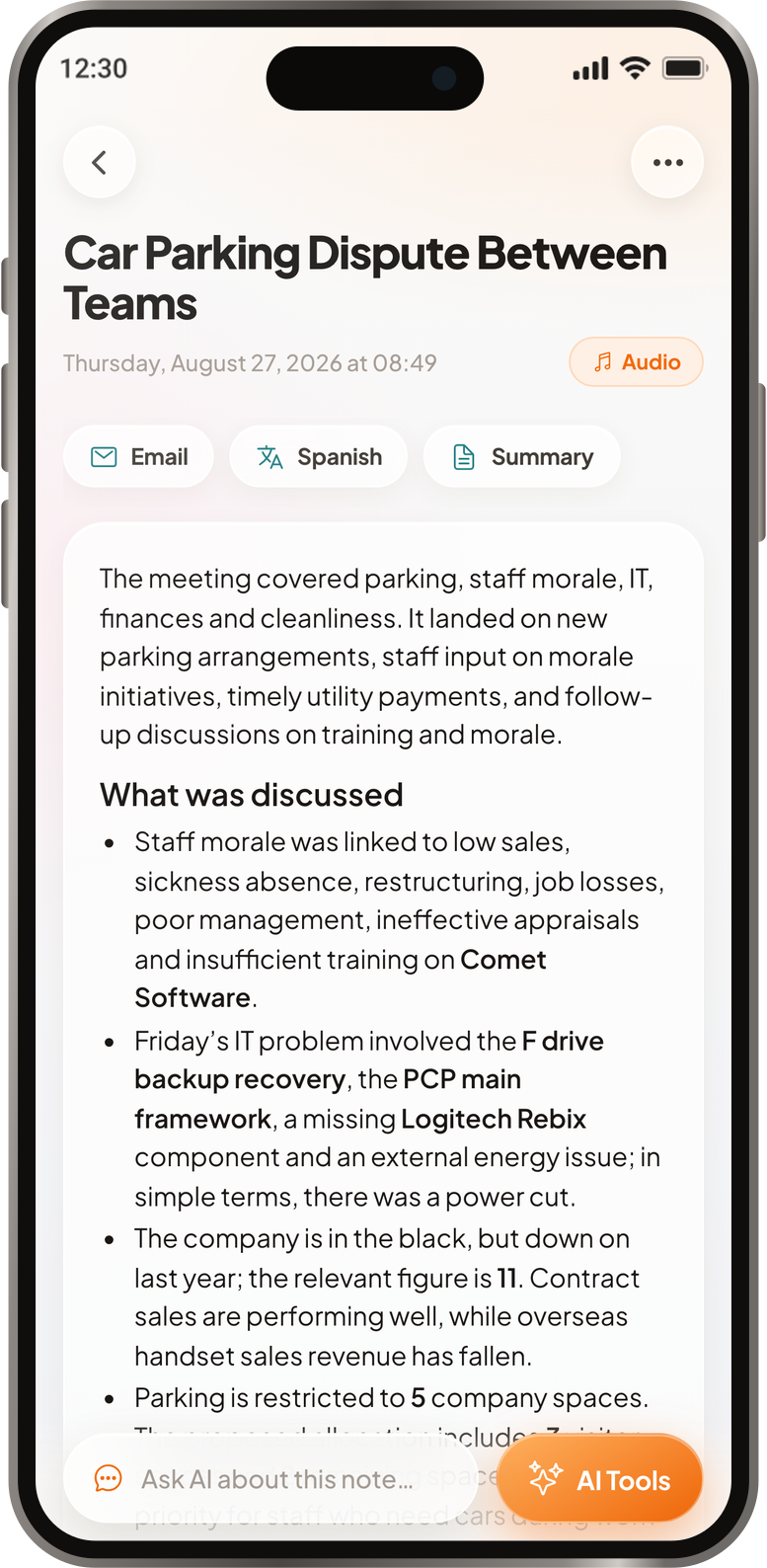
Record
Speak, or send what you spoke.
Upload
Anything on paper or on screen.
Paste
A link, or the words themselves.
0
Languages it transcribes
0
Minutes in one recording
0
Study tools built in
0
Ways material gets in
No setup, no template to pick, no folder structure to design first.
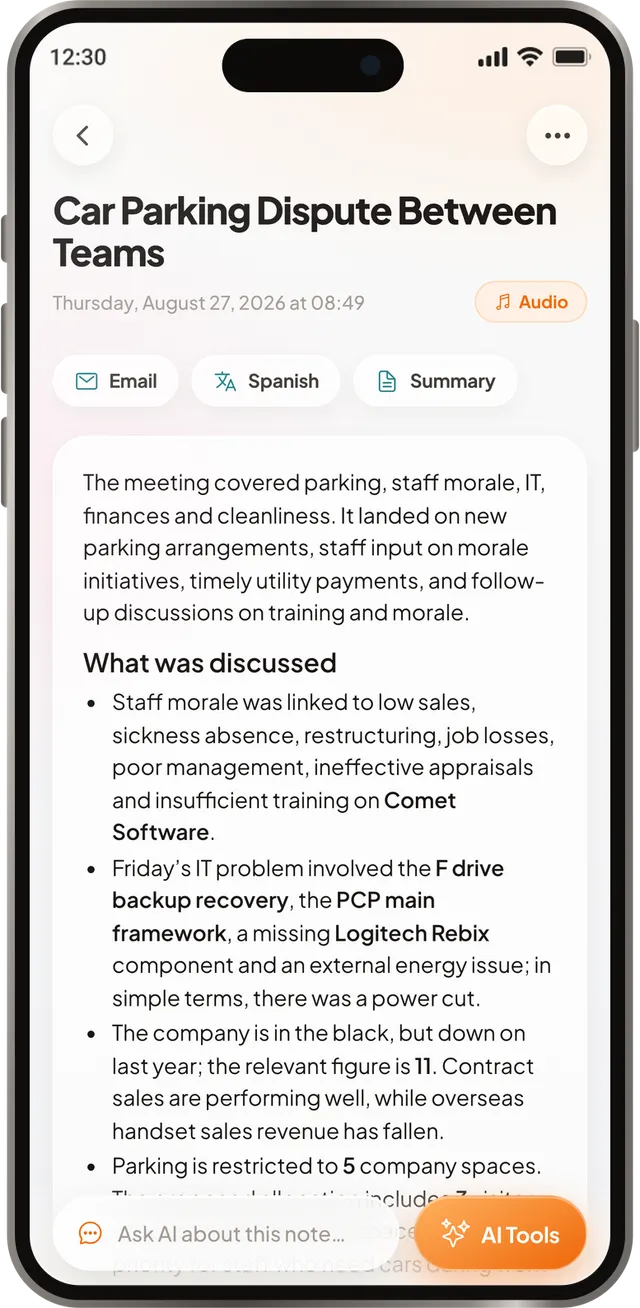
Record the room, or add the file, or paste the link. All of it comes out as one written note, with the transcript kept underneath.
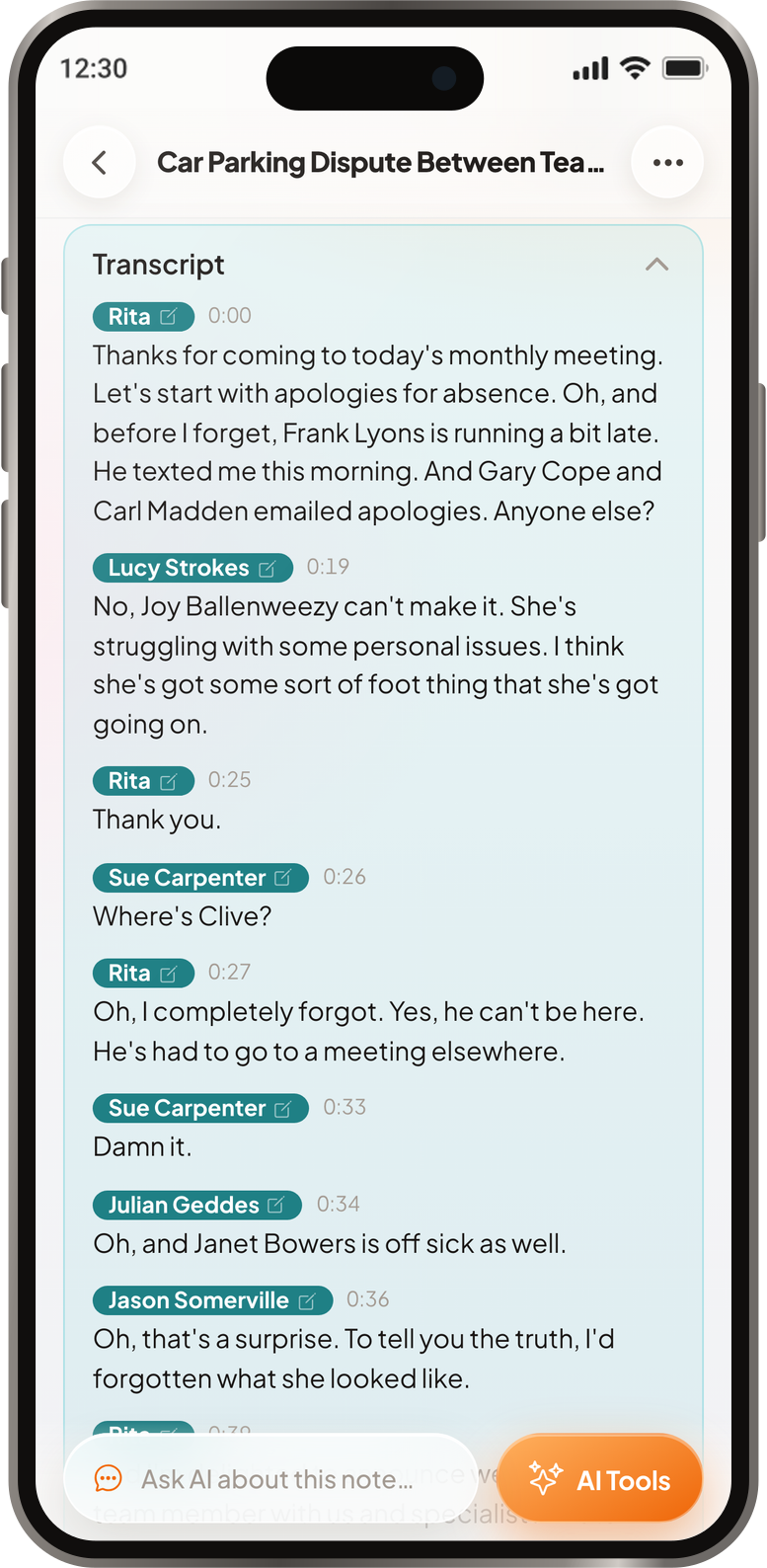
Put the phone on the table and hit record. It catches the accents and the jargon, and it labels who spoke, so a meeting or an interview reads as a conversation rather than a wall of text. Pause and resume whenever you like.
Add the reading, the deck, the video link, a web article, an audio file or a photo of the whiteboard. You can even share a WhatsApp voice message straight in.
You get a note with headings and key points, not a wall of transcribed text. The full transcript stays with it, with speaker labels, for the moments you need the exact words.
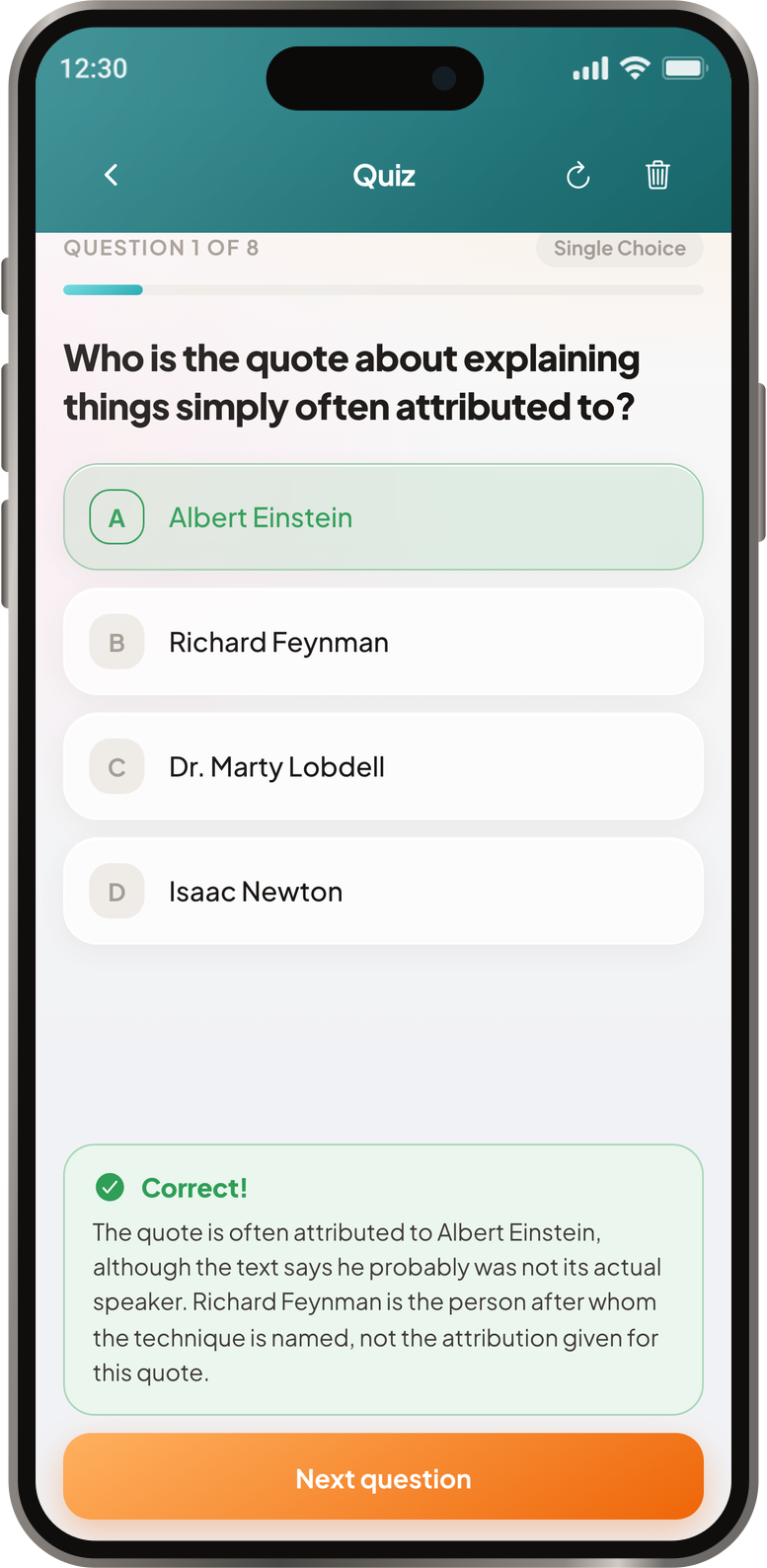
Any note can become a quiz with explanations, a deck of flashcards or a mind map. Feynman goes further. It asks you to explain the topic out loud, grades the answer, tells you what you missed, then asks again.
Chat with a note and the answers come from that note. Translate it and keep both versions side by side. Or turn it into an email draft, edit the subject and the body, and send it yourself.
It works out the spoken language on its own, so there is nothing to set before you record. The app itself is in English, Spanish, French and Croatian.
Published on the App Store and Google Play. Google Play does not share reviewer names, so those cards show the store instead.
“It automatically provides you a summary of the voice notes after recording which is such a nice feature.”
“loving the free version so far!”
“This is by far the best Croatian transcription app I've encountered. I'm excited to see what this app can and undoubtedly will achieve in the future. Keep up the great work!”
“Best note taking app”
“Makes it very convenient to form actionable notes. As a person who makes frequent voice memos for almost everything, I'm very excited to try it out and save some time.”
“Great study aid for brain dumping or figuring out exactly what it is you're confused about”
“Seems to work well, even in Swedish.”
“An absolute amazing app which helps me in so many ways. Well worth the price.”
“odlicno je”
(It is excellent)
“Looks really great, summarizing all your thoughts into notes greatly”
“Excelente calidad de transcripción”
(Excellent transcription quality)
“I'm starting to be hooked on this app! It really eases my daily tasks!”
“Works good, downloaded to record audio during classes.”
“App utilissima. Fatta bene ed ha sostituito del tutto la mia app per note precedente.”
(Very useful app. Well made and it has completely replaced my previous notes app.)
“Great for daily usage”
“Works great. Easy to use and setup. Thank you!”
We reviewed the competition honestly, including the parts where they beat us.
Turbo AI has a free plan, but usage limits appear without warning. Full review: what is free, what is paid, and honest verdict on whether it is worth it.
Notion's student plan is free with a school email. Why the upgrade option may not appear, what happens when you graduate, and the 50% AI discount.
GoodNotes, Otter.ai, Knowt, or Notion? 10 apps tested by study style, device, and budget, with free tiers compared.
LatestGizmo AI alternatives for flashcards and quizzes: where its free plan stops you, and which study apps fit imports, spaced repetition and notes better.
Including the awkward ones about whether you are allowed to record.
That is what Primo Notes is. It runs on iPhone and Android, so the recorder is already in your pocket. Put the phone on the table, hit record, and the written note is waiting when you finish. One recording can run up to 60 minutes, and you can pause and pick it back up.
Primo Notes does not join the call. There is no bot to invite to Zoom, Teams or Google Meet. You put your phone on the table and record the room, and the app writes the notes and labels who spoke. If the meeting is online, record it on speaker, or upload the audio file afterwards and it is treated the same way.
The app is free to download. The free plan covers three notes in total, plus sixteen AI tool runs and four hours of transcription a month. The paid plan removes the note limit and the tool limit and raises transcription to 800 minutes a month. There is a free trial on the paid plan, billed through the App Store or Google Play.
Recording rules vary by country and by institution, so ask the room before you hit record. Many universities allow lecture recording outright, and some allow it as an accessibility accommodation. We cannot give you legal advice. Check your local law and your institution's policy first.
ChatGPT can summarize text you paste in, but it cannot sit in the room with you. It has no recorder. Primo Notes records the meeting or the lecture live, transcribes it, labels who spoke and writes the note for you. You can still chat with the finished note inside the app if you want to ask it something.
Upload the audio file and the app transcribes it. It reads mp3, m4a, aac, wav, ogg and webm. You can also share a WhatsApp voice message straight into Primo Notes from the share sheet, and it comes back as a written note with the transcript attached.
Yes. Add the PDF, then generate flashcards from the note it produces. A quiz, a mind map and a Feynman session work the same way, and so does any other source: a recording, a YouTube link, a photo of a page or a web article.
Both are solid lecture recorders. Primo Notes takes nine kinds of input, including Word and PowerPoint files, web articles and WhatsApp voice messages, and it labels who spoke on a recording, which matters as much in a meeting as in a lecture. We wrote a full review of Turbo AI, including where it beats us.
Free on iPhone and Android