The Notability app is a handwriting, PDF annotation and audio note app from Ginger Labs. It is free to download, the free Starter plan caps you at five notes, and four paid options sit above it: Lite, Plus, Pro and a one-time Classic purchase. It is one of the best tools for handwritten notes synced to a recording, but most of its AI features are capped below the top plan.
2026 changed a lot. Notability reached Android, added calendar-based meeting recording to its Windows and Mac desktop app, brought back a one-time purchase and reshuffled what each tier includes. If you last looked at it a year ago, much of what you remember is out of date. This review covers what each plan gets you, how the AI study tools work, where the app runs, and the limits worth knowing before you pay.
What the Notability App Does Well
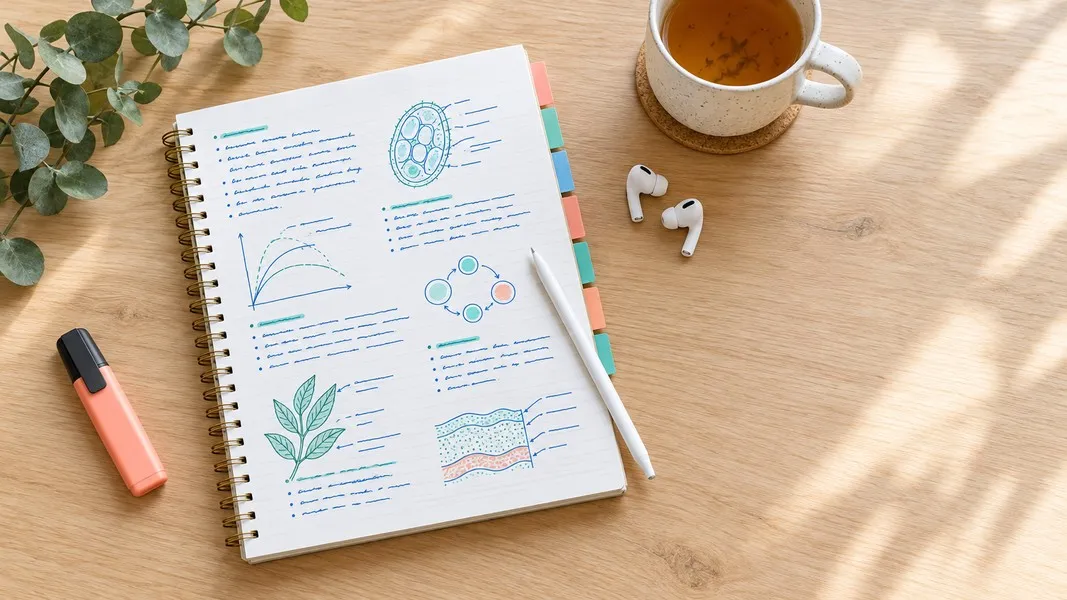
Notability started on the iPad in 2010, and handwriting is still its core. You write with a stylus, annotate imported PDFs and slides, mix typed text with ink, and organise notes into subjects and folders. The pen tools are simple rather than endless, which is a large part of why students stay.
The feature people praise most is audio recording tied to the page. You record a lecture while you write, and on playback the notes you took at each moment line up with what was being said. Android Police noted that recordings play back clearly, that separate takes are joined into one running session, and that playback runs at 1x, 1.5x or 2x.
Templates are the other draw. Every plan, the free one included, gets access to more than 20,000 note-taking templates plus planners and stickers. For a student who wants a digital notebook that feels like paper, the Notability note taking app still does that job well.
Notability Pricing: Every Plan Explained
The plan structure is the part that has shifted most. The official subscription FAQ describes four tiers, Starter, Lite, Plus and Pro, plus Classic as a one-time purchase.
| Plan | Yearly, notability.com | Yearly, listed beside it | What it adds |
|---|---|---|---|
| Starter | Free | Free | 5 notes, all editing tools, audio recording, templates |
| Lite | $11.99 | $14.99 | Unlimited notes, third-party backup on iOS |
| Classic | $39.99 once | $49.99 once | Unlimited notes, handwriting recognition, math conversion, live collaboration |
| Plus | $15.99 | $19.99 | AI summaries, transcription, quizzes and flashcards, all with limits |
| Pro | $79.99 | $99.99 | Unlimited transcription, real-time Smart Notes, chat with notes |
The two price columns come from the yearly view of the pricing page, which lists prices in USD and says they may vary. The gap between them matches what Ginger Labs announced when Classic returned in July 2026: $39.99 on notability.com against $49.99 in the App Store, a 20% difference. Buying on the website instead of inside the app is the simplest saving available.
Starter and Lite
Starter is a real free tier, but a narrow one. You get five notes, every editing tool and audio recording. Once you hit five, you either delete or export old notes or pay. Lite removes the cap and adds third-party backup, which only works on iOS.
Classic, the one-time option
Classic is back for anyone who prefers to pay once. It covers unlimited editing, sync, handwriting recognition and search, math conversion and live collaboration, with 7-day version history. It includes no AI study tools beyond a one-hour trial of audio transcripts. Ginger Labs says future features may be added to Classic "depending on their complexity and cost to maintain," so do not count on new AI tools arriving there.
Notability AI Features: Plus Versus Pro
Notability groups its AI tools under the name Notability Learn. They work on your recordings, imported PDFs and handwriting, and they are the main reason to pick Plus or Pro over Lite.
Plus adds AI note summaries, transcription that runs after a recording ends, conversion of handwriting and math into typed text, YouTube link-to-note conversion, and AI quizzes and flashcards. The catch is that these share a set amount of usage that renews over time. Android Police counted up to 100 YouTube conversions and 400 quizzes and flashcards a month on Plus.
Pro removes those caps and adds two features Plus does not get at all. Smart Notes builds notes in real time while you record, and Live Transcript shows your audio as text as it is spoken. Pro also lets you chat with your notes to ask for explanations, and keeps 90 days of version history instead of 30.
That split is the source of a lot of frustration. One long-time Plus subscriber on the Notability subreddit asked why AI that had felt unlimited on Plus now came with limits and a pricier Pro tier above it. If you plan to record and transcribe every lecture, Plus will probably feel tight, and the jump to Pro is five times the price.
What AI study tools are worth paying for
The tools that pay off for studying are the ones that make you retrieve information: quizzes and flashcards. Summaries save time but do not help you remember on their own. A practical test is to run one week of real lectures through Plus and watch how quickly the usage meter drains before committing to a year.
Where the Notability App Runs: iPad, Mac, Windows, Android
The Notability app for iPad is still the flagship, alongside versions for iPhone and Mac. Current versions need iOS 17 or macOS 14 and later. A paid subscription covers up to 10 Apple devices on the same account, and Family Sharing is not supported.
Android is new. The app entered beta in April 2026 and reached Google Play in early August 2026, according to Android Police, ending about 16 years of Apple exclusivity. Your subscription carries over, and notes stored in Notability Cloud sync to the Android device. A few features were missing at launch, including native comments, Text-Only Mode and automatic backup to Google Drive or Dropbox. Notes kept in iCloud sync have to move to Notability Cloud before they reach Android.
Windows and Mac get a separate desktop app built for meetings. It reads your calendar, offers to record when a meeting starts, and captures both your microphone and the system audio, so no bot joins the call. When you stop, it merges your typed notes with the transcript into one note. The Notability app for Windows is available on every plan, but its desktop app FAQ confirms that transcripts do not label individual speakers yet.
Limits to Know Before You Pay
Most complaints about Notability are not about the writing experience, which reviewers generally like. They are about the business model and the edges of the product. These are the ones to weigh:
- The free tier is a trial in practice. Five notes is enough to try the app, not to run a semester of classes on it.
- AI usage is metered on Plus. Summaries, transcription, quizzes and flashcards all draw from one renewing allowance.
- No speaker labels. Recorded seminars and meetings come back as one block of speech rather than a conversation.
- Collaboration is basic. TechRadar's Notability review called it satisfying for note-taking but weak for working together.
- Your notes live in its format. The native .ntb file stays editable only inside Notability; exporting to PDF keeps the content but not the ability to edit it.
Trust is the other factor. Notability moved from a paid app to subscriptions on November 1, 2021, and some long-time users still resent it, along with the upgrade prompts inside the free version. The return of Classic is partly a response to that.
How Notability Compares With Other Note Apps
Notability is strongest when you write by hand and record at the same time. If your notes start somewhere else, a different tool may fit better. If you are choosing between the two big handwriting apps, see our Goodnotes and Notability comparison.
| App | Built around | Audio | AI study tools |
|---|---|---|---|
| Notability | Handwriting and PDF annotation | Recording synced to notes, transcription by plan | Summaries, quizzes, flashcards, chat on Pro |
| Goodnotes | Handwriting and PDF annotation | Recording and transcription for meetings | Search, summaries, translation, handwriting conversion |
| Primo Notes | Turning any source into a written note | Recording with speaker labels, 101 languages | Summaries, quizzes, flashcards, mind maps, Ask AI, Feynman mode |
The difference with Primo Notes is where a note begins. Instead of a blank page you write on, you give it a recording, a photo of a handwritten page, a PDF, a YouTube link or a web page, and it returns a titled, structured note with a formatted transcript. A recording with several voices comes back with each speaker labelled, which is the gap the Notability desktop app still has.
Which Notability Plan Fits You
The right plan depends on whether you pay for handwriting or for AI.
If you only need unlimited handwritten notes, compare Lite with Classic. At website prices Classic costs about as much as three and a third years of Lite, and it adds handwriting search and math conversion that Lite does not list. For a student with four years of study ahead, the one-time purchase usually wins.
If you want AI help with the occasional lecture, Plus is the sensible middle, as long as you test the usage limits first. Pro makes sense only if you record most of your classes or meetings and want live transcription and real-time notes. At $79.99 a year on the website, it is priced as a daily tool.
If your main job is turning lectures and readings into notes and study material rather than writing by hand, a capture-first app may serve you better than any Notability tier. Primo Notes on iOS and Android takes a recording or a photographed page and turns it into a note you can quiz yourself on, without writing anything first. Our list of note-taking apps for iPad covers more options in both camps.
Conclusion
Notability is still one of the most pleasant ways to take handwritten notes with a recording running underneath. 2026 made it more available than ever, with Android, meeting recording on Windows and Mac, and a one-time Classic purchase alongside four subscription tiers.
The trade-offs sit in the plan structure. Starter is only five notes, Plus meters its AI features, and the tools that make AI study work without limits are reserved for Pro. Speaker labels are still missing from transcripts, and notes stay tied to the app's own format. The free tier is enough to judge the writing experience, one real week of lectures shows whether a plan's limits fit, and every paid plan is listed 20% lower on the website than in the App Store.